
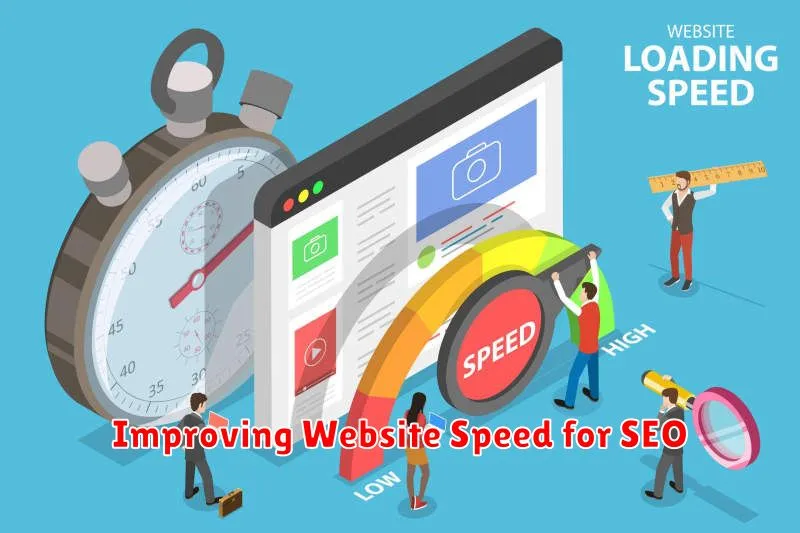
In today’s fast-paced digital landscape, website speed is paramount for both user experience and search engine optimization (SEO). A slow-loading website can lead to high bounce rates, decreased user engagement, and ultimately, a lower ranking in search engine results pages (SERPs). This introduction will delve into the crucial relationship between website speed and SEO, highlighting why optimizing your website’s performance is essential for attracting and retaining visitors, as well as improving your online visibility. Understanding the impact of website speed on SEO is the first step towards achieving online success.
Improving your website speed isn’t just a technical task; it’s a strategic investment in your online presence. By prioritizing website speed optimization, you can significantly enhance your SEO performance, driving more organic traffic to your website. This article will explore practical strategies and techniques to effectively improve your website speed, focusing on key factors that influence loading times and providing actionable steps to optimize your website for both search engines and users. Learn how to leverage website speed as a powerful SEO tool and unlock the full potential of your online platform.
Why Speed Matters for SEO
Website speed is a critical factor for search engine optimization (SEO). Search engines like Google prioritize user experience, and a slow website delivers a poor user experience. This can negatively impact your search engine rankings.
Fast-loading websites tend to rank higher in search results. Users are more likely to stay on a website that loads quickly, leading to lower bounce rates. A high bounce rate signals to search engines that the website may not be relevant to the search query, potentially harming your ranking.
Furthermore, speed impacts user engagement. Visitors are more likely to interact with a website that loads quickly, exploring more pages and spending more time on the site. Increased user engagement sends positive signals to search engines, reinforcing the relevance and quality of your website.
In today’s fast-paced world, users expect instant gratification. A slow website can lead to frustration and lost conversions, even if your content is excellent. Therefore, optimizing website speed is an essential investment for improving your SEO and overall online success.
Measuring Your Page Speed
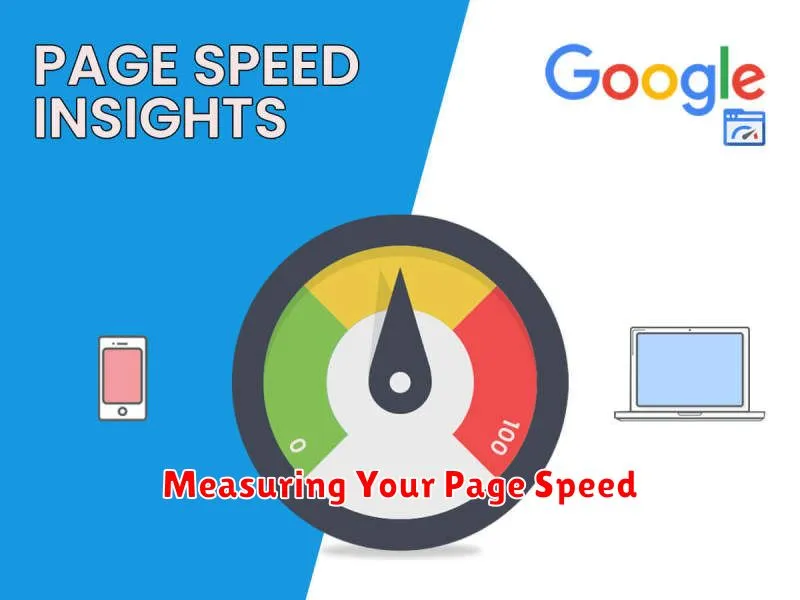
Before you can improve your website’s speed, you need to measure its current performance. A variety of tools are available to help you pinpoint areas for improvement.
Popular Page Speed Testing Tools
Several reputable tools offer comprehensive page speed analysis. These tools provide valuable metrics such as First Contentful Paint (FCP), Largest Contentful Paint (LCP), and Cumulative Layout Shift (CLS). These metrics help you understand how quickly your content loads and renders for users, and identify potential bottlenecks.
These tools often categorize issues and offer specific recommendations for optimization. By using these tools regularly, you can track your progress as you implement changes and ensure that your website stays fast and responsive.
Reducing Image Sizes

Image optimization plays a crucial role in improving website speed. Large image files significantly increase page load times, negatively impacting user experience and SEO. Reducing image sizes without compromising quality is essential for a fast-loading website.
There are several methods to accomplish this. Choosing the correct file format is the first step. Generally, JPEG is ideal for photographs, while PNG is better suited for graphics with sharp lines and transparency.
Compression is another vital step. Tools and software can help reduce file sizes without significant quality loss. Experiment with different compression levels to find the optimal balance between size and visual fidelity.
Resizing images to the actual dimensions displayed on the webpage is another effective strategy. Uploading oversized images and letting the browser scale them down adds unnecessary load time.
Minimizing JavaScript and CSS
Minimizing JavaScript and CSS files is a crucial step in optimizing website speed. Large file sizes contribute significantly to longer page load times, negatively impacting user experience and SEO.
Minification removes unnecessary characters from code, like whitespace and comments, without altering its functionality. This reduces file size, enabling faster downloads and execution. Several tools are available to automate this process, both online and as part of development workflows.
In addition to minification, combining multiple JavaScript or CSS files into a single file can also improve performance. Fewer HTTP requests are needed to retrieve the assets, reducing latency and speeding up rendering.
Using CDN and Caching
A Content Delivery Network (CDN) is a geographically distributed network of servers that store copies of your website’s static assets (like images, CSS, and JavaScript files). When a user accesses your website, the CDN serves these assets from the server closest to their location, reducing latency and improving load times.
Caching involves storing frequently accessed data in a temporary storage location (a cache) so it can be retrieved more quickly. There are different types of caching, including browser caching, server-side caching, and CDN caching. Browser caching stores assets on the user’s computer, while server-side caching stores them on your web server. CDN caching, as mentioned, stores assets on the CDN’s servers.
By using a CDN and implementing effective caching strategies, you can significantly reduce the time it takes for your website to load, which is a crucial factor in SEO performance.
Monitoring Speed Improvements
After implementing speed optimization strategies, continuous monitoring is crucial. This allows you to track the effectiveness of your efforts and identify any regressions.
Utilize tools like Google PageSpeed Insights and Lighthouse to regularly assess your website’s performance. These tools provide specific metrics and recommendations for further improvement. Track key metrics like First Contentful Paint (FCP), Largest Contentful Paint (LCP), and Time to Interactive (TTI).
Set up performance budgets to establish acceptable limits for these metrics. This helps prevent performance regressions from creeping in during development and content updates. Alerting systems can notify you when your website exceeds these budgets.
Consider using Real User Monitoring (RUM) tools to understand how real users experience your website’s speed in different locations and on various devices. This provides valuable insights that lab tools might miss.
